

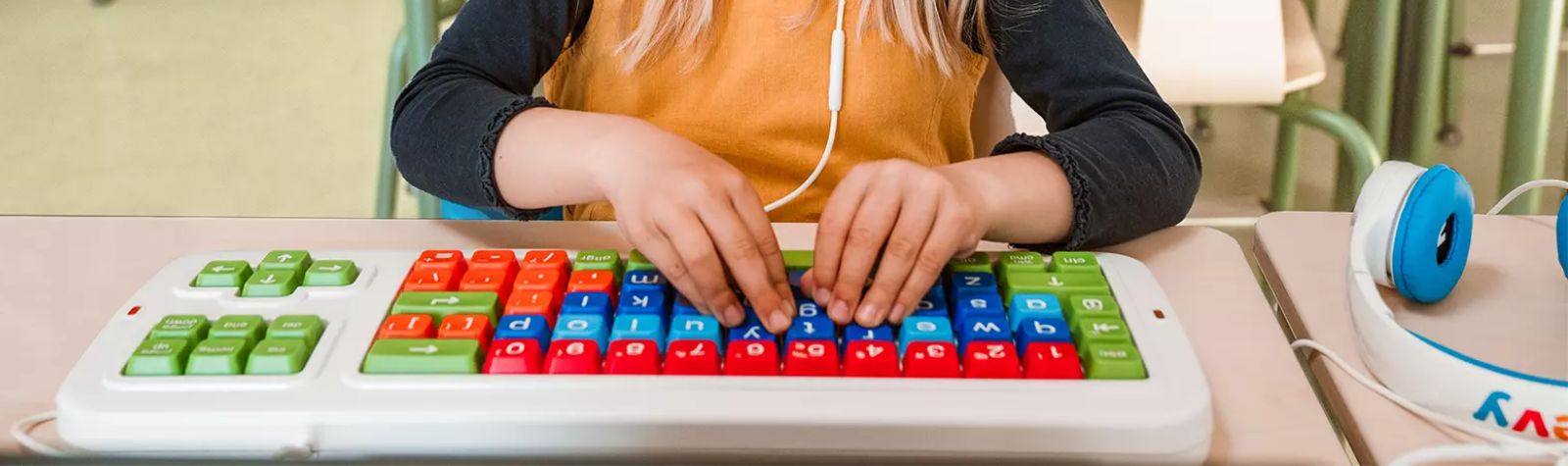
Could the right technology help your child feel more confident at school, manage distractions or become more independent with their learning?
At Dyslexia Sparks, we know it can be a bit overwhelming to try something new, especially technology, but believe the best way to find out is to try them!
We’ve been working with AT Superstore and are impressed by the range and variety of products they offer to support people with dyslexia and other neurodivergent needs.
Over the past month we invited our tuition students to have fun and explore some new products during their lessons, trying whatever caught their interest and felt comfortable for them.
We gathered honest feedback from children and our teaching team about what worked, what they enjoyed and what they would use again.
Here’s what we discovered.
Samboards: helping hands stay busy
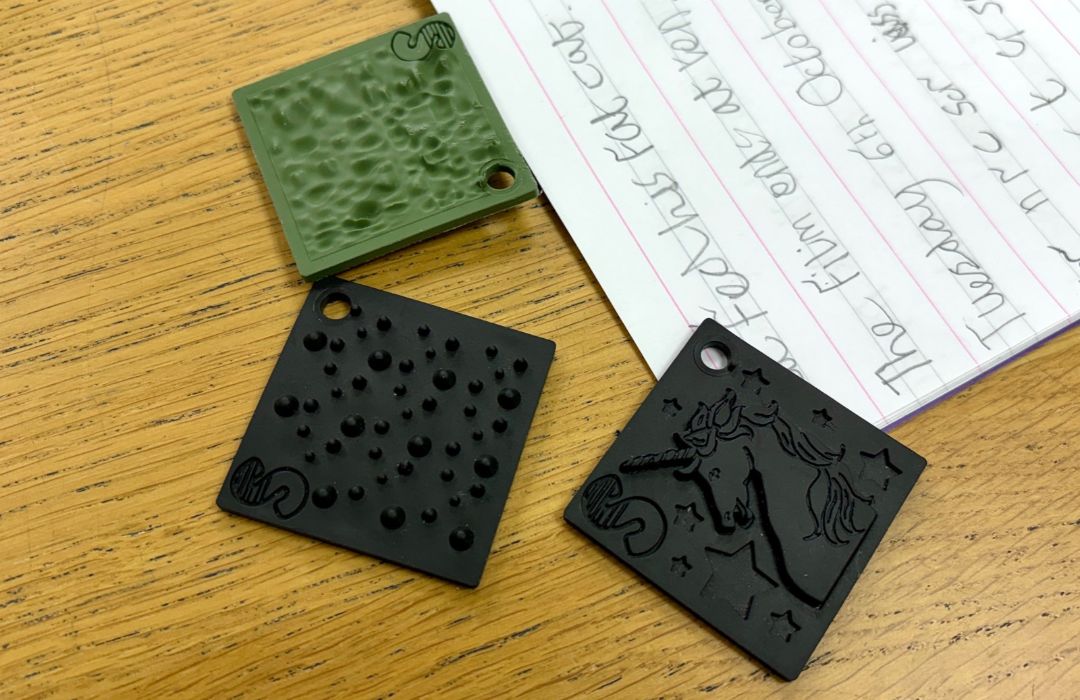
One of the first products students saw and wanted to touch were the Samboards. Samboard Squares are a discreet and silent sensory tool to help manage anxieties, over stimulation and focus your concentration. With different textures and designs, they give you something to touch and explore without distracting others.
The squares work for school and workplace environments, whether it’s on a desk, in your pocket or attached to a lanyard or set of keys in easy reach. Traditional fidget toys can be noisy, colourful and distracting, which many schools don’t allow, so these seemed like a perfect alternative.
Our students loved choosing their favourites, Arianna picked the unicorn design and continued using it throughout her lesson without it interfering with her learning.
RocketPen Reader: building reading confidence
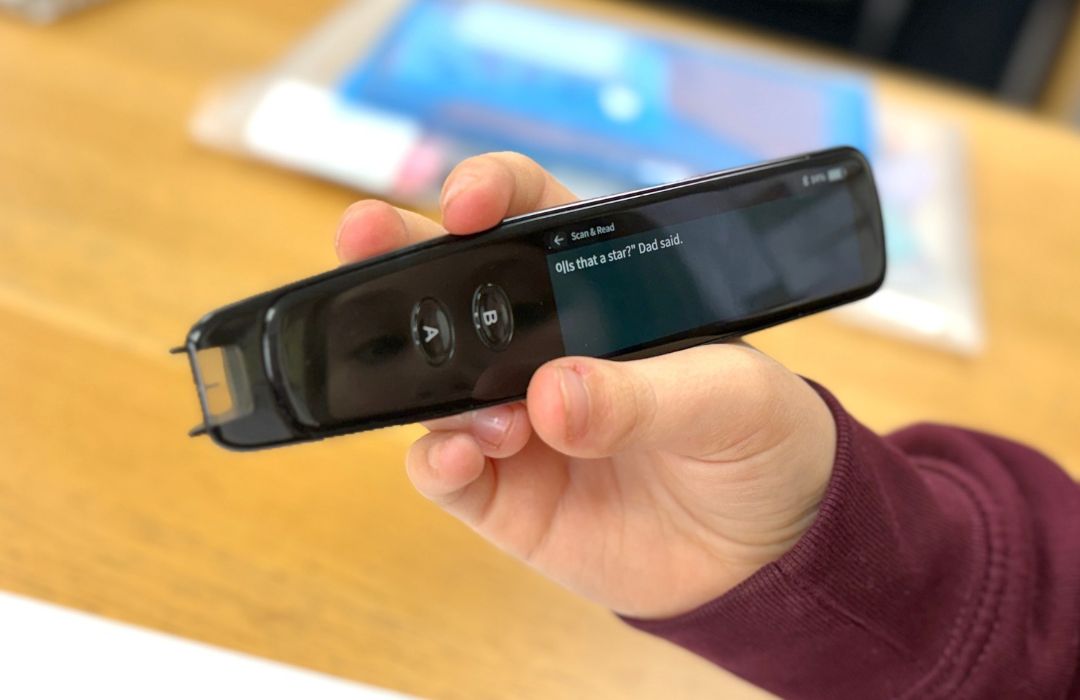
The RocketPen Reader is a portable scanning pen that primarily reads printed text aloud. It also helps users explore unfamiliar words, understand syllables and practise spelling, using a dictionary and many more features.
Our student Henry used the pen, telling us: “I really like it, it helps with difficult spellings.”
Our student Thomas is used to scanning pens, and enjoyed trialing the Rocket Pen. Thomas used the device to scan larger passages of copy to improve his understanding of the text. He was able to play it back a couple of times if needed and build his confidence on the work he was doing and what was being asked of him. He said: “I can work on my own more”.
Teachers particularly liked the adjustable playback speed, which allows users to slow down the voice to suit their needs. We found the children were able to use the touch screen easily and noted an exam-specific version is also available, fitting with current JCQ requirements.
Clevy Kids Mouse and Hearsafe Headphones: making technology easier to use
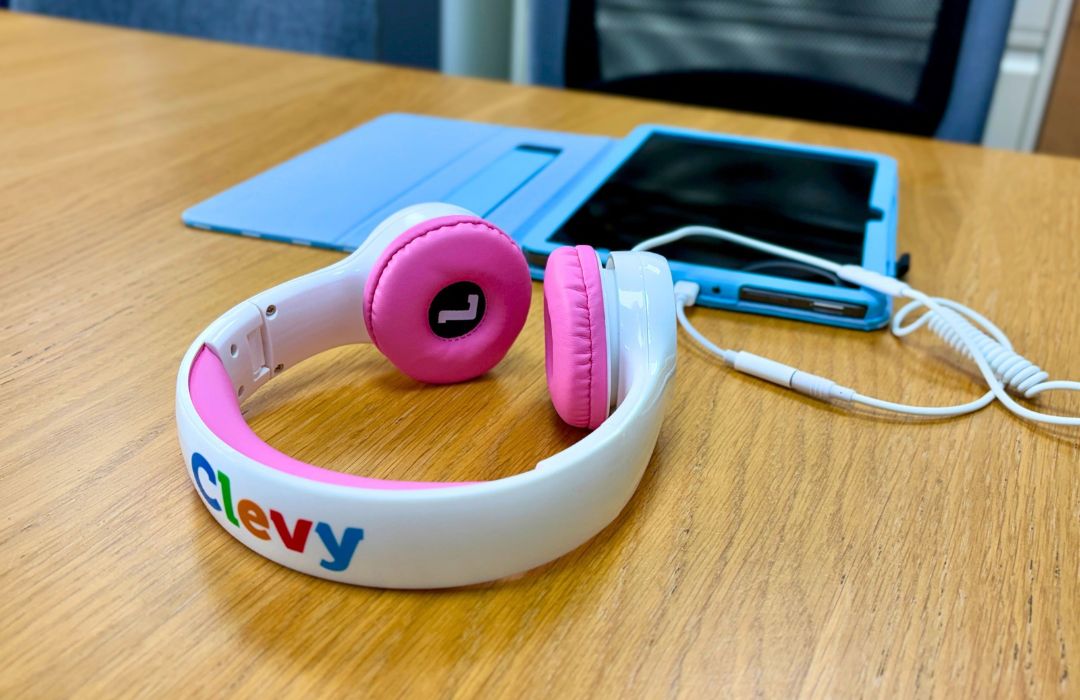
Our younger students loved the bright colours and simple design of the Clevy Kids products.
The mouse has colour-coded buttons to help children distinguish between left and right clicks, making computer navigation easier to learn. We noticed the smaller size easier for them to use increasing dexterity and motor control.
We also tested the Clevy Hearsafe Headphones, which are volume limiting to help protect young ears. They connected well with our Amazon Fire tablets, and again the size is smaller which suited our learners.
dBuds: managing noise and sensory overload
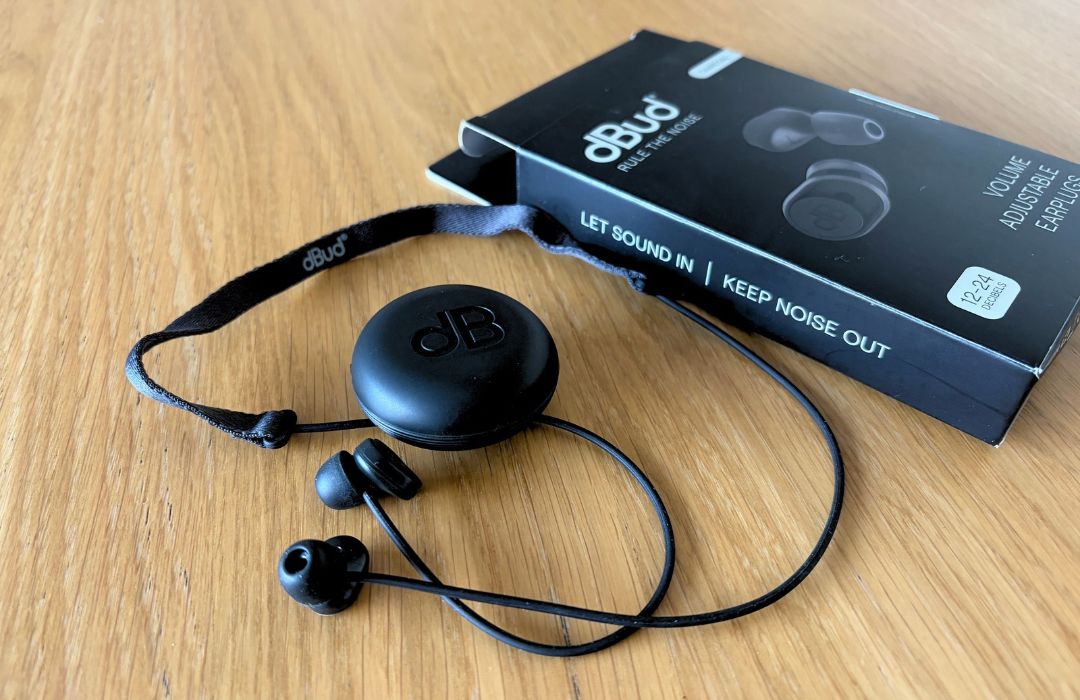
For people who find busy classrooms, workplaces and noisy environments overwhelming, managing sound can be an important part of feeling comfortable and ready to learn or work.
dBuds are adjustable earplugs that reduce noise without blocking it out completely, helping users manage sound while remaining aware of their surroundings.
We trialled them with students who experience sound sensitivity, and our older students particularly preferred them to traditional, bulkier ear defenders. Our team liked the choice of ear-tip sizes for both children and adults, along with the handy carrying case. Their discreet design also makes them an appealing option for adults who experience sensory overload, as well as children and young people with SEND.
As with any sensory support, the best option depends on the individual, and it’s important to ensure users can still hear essential instructions and safety alerts.
Finding the right technology
For parents, assistive technology can offer practical ways to support learning at home. For schools, it can help make lessons more accessible and encourage greater independence in the classroom.
Through our Assistive Technology Loan Scheme, Dyslexia Sparks provides our specialist tuition students and local schools and education settings with access to a range of tools to explore what works for them. Contact us to find out more.
Want to see some products in action with AT Superstore?
We invited AT Superstore to showcase these products, demonstrate how they work and explain how the right assistive technology can support your child. Watch more detail on out recent webinar.
You can explore the full range of products at AT Superstore and use discount code: